Advertisements
Introduction: Your Pocket Computer Needs Armor
Your smartphone isn’t just a phone anymore. It’s your wallet, your camera, your diary, and sometimes even your office. But here’s the catch — the same little device that holds your entire life is also a goldmine for hackers and cybercriminals. One wrong tap on a shady link, and boom! Your data, money, and privacy could be gone in seconds.
The good news? Protecting your phone doesn’t require you to be a tech genius. Based on proven methods I’ve tested myself, I’ll share with you simple, effective steps to block viruses, outsmart hackers, and keep your online payments safe.
1. Install a Trusted Mobile Antivirus
Think of antivirus apps as bodyguards for your smartphone. They scan, block, and remove malware before it can harm your device.
- Recommended apps: Avast Mobile Security, Kaspersky, Bitdefender, Norton.
- Most of them offer free versions with basic protection. Paid versions add extras like VPNs and anti-theft tools.
🎯 Benefit: Stops hidden malware that could steal your photos, passwords, or banking details.
👉 Example: A friend of mine installed a free game from a random website. Within hours, ads were popping up everywhere. Bitdefender cleaned the malware in minutes.
2. Keep Your Phone Updated — Always
Yes, those annoying “update available” notifications matter. Updates often include security patches that close the door on hackers.
- Set your phone to automatic updates for apps and system software.
- Avoid using old, unsupported phones (like Android versions below 8.0).
🎯 Benefit: Hackers love exploiting outdated systems. By updating, you slam the door on them.
👉 Real-life: Remember the WannaCry ransomware attack in 2017? It spread mainly because people ignored updates.
3. Download Apps Only from Official Stores
This is a big one. Most viruses sneak in through unofficial apps or cracked software.
- Stick to Google Play Store or Apple App Store.
- Check app reviews, download counts, and developer reputation.
- Be cautious of apps asking unnecessary permissions (why does a flashlight app need your contacts?).
🎯 Benefit: Reduces your risk of installing spyware or hidden viruses.
👉 Quick tip: If an app has fewer than 1,000 downloads and dozens of 1-star reviews, run away!
4. Use Strong Passwords and Two-Factor Authentication
If your password is still “123456” or “qwerty,” hackers are smiling right now.
- Use a mix of letters, numbers, and symbols.
- Don’t reuse passwords across multiple accounts.
- Enable two-factor authentication (2FA) on email, banking, and shopping apps.
🎯 Benefit: Even if a hacker gets your password, 2FA blocks them without your confirmation code.
👉 Example: I once had someone try to log into my Gmail from another country. Thanks to 2FA, they were stopped cold.
5. Secure Your Online Payments with Extra Layers
Your phone is a digital wallet — but only if you lock it properly.
- Use Google Pay, Apple Pay, or PayPal instead of saving credit card info directly in random websites.
- Activate biometric locks (fingerprint, Face ID).
- Use VPNs (like NordVPN or ExpressVPN) when shopping or banking on public Wi-Fi.
🎯 Benefit: Protects your money from phishing scams and identity theft.
👉 Imagine this: You’re at a coffee shop using free Wi-Fi. Without a VPN, hackers nearby could spy on your payment details.
6. Be Smart with Links and Emails
Phishing is one of the oldest tricks — and still one of the deadliest.
- Don’t click on suspicious SMS links (“Your bank account is blocked, click here”).
- Double-check the sender’s email address. (Hackers love using fake “Amazon” or “PayPal” addresses.)
- If in doubt, go directly to the official app or website instead of clicking.
🎯 Benefit: Saves you from fake websites that steal your login details.
👉 I once got an email that looked 100% like PayPal. The only giveaway? The address ended with “.xyz” instead of “.com.”
7. Lock Your Phone Like a Pro
A simple lock screen can be your first defense.
- Use PINs with at least 6 digits (not your birthday!).
- Set auto-lock to activate after 30 seconds.
- Enable “Find My iPhone” or “Find My Device” to erase data remotely if stolen.
🎯 Benefit: Even if your phone gets lost, your data stays safe.
👉 Fun fact: In 2022, almost 70 million smartphones were stolen worldwide. Don’t let yours become an open book.
Quick Checklist: Smartphone Security Made Simple
✔️ Install a reliable antivirus.
✔️ Keep everything updated.
✔️ Download apps only from official stores.
✔️ Use strong passwords + 2FA.
✔️ Protect online payments with secure apps & VPNs.
✔️ Stay alert for phishing attempts.
✔️ Lock your phone and enable remote wipe.
FAQ: Smartphone Security & Online Payments
Q1: Do I really need antivirus on my phone?
Yes, especially for Android devices. Hackers target smartphones more than ever. Antivirus adds an essential safety net.
Q2: Is public Wi-Fi safe for payments?
No. Always use a VPN when making transactions on public Wi-Fi.
Q3: Can iPhones get viruses too?
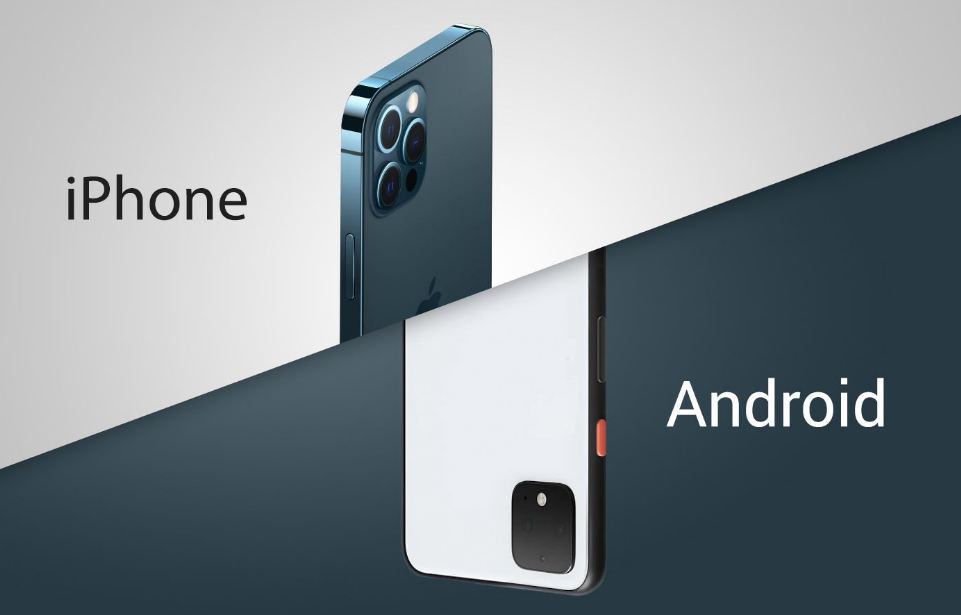
It’s rare, but possible. While iOS is more secure, phishing and fake apps can still trick users.
Q4: What’s the safest way to pay online?
Use trusted payment apps (PayPal, Google Pay, Apple Pay) with biometric verification. Avoid typing card details into unknown sites.
Final Thoughts: Better Safe Than Sorry
Protecting your smartphone doesn’t have to be complicated. With just a few habits — installing antivirus, keeping updates, avoiding shady apps, and securing payments — you can block hackers, stop viruses, and protect your money.
Your smartphone deserves armor. After all, it holds your personal world.
👉 Now it’s your turn: What’s your #1 tip for keeping your phone safe? Share your thoughts in the comments or with your friends. Who knows — your trick might save someone from a hacker’s trap!
Advertisements